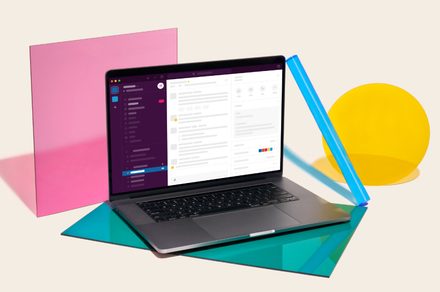
Slack is more than just a chat app. It is a cloud-based workspace designed to bring your entire team into one place. Instead of juggling endless emails, switching between multiple project tools, or chasing people down in direct messages, Slack pulls everything together into a single, organized hub. What makes it even more interesting now is its growing use of AI. Slackbot, which once felt like a simple helper, is gradually becoming more capable. It can send reminders, answer common questions, automate small tasks, and help teams stay on top of their work without constant back-and-forth. Slack was already good at keeping conversations and collaboration in sync. With these new additions, it is aiming to turn Slackbot into something closer to a reliable teammate.
What’s new here?
Slackbot now acts like a built-in meeting companion, sitting through your calls, transcribing conversations, and instantly turning them into clean summaries with clear action items. The moment a meeting ends, you already have notes, decisions, and next steps ready. It even updates things like deals or follow-ups in your CRM, so nothing slips through the cracks.

What really stands out is how Slackbot now moves with you. Instead of being limited to the Slack app, it understands what you’re doing across your desktop. Whether you’re looking at a document, a dashboard, or a conversation, you can ask it to summarize, draft a response, or flag issues on the spot. It already knows your work context, so you don’t have to explain everything from scratch every time.
Your workflow just found a brain
Slack is also introducing reusable AI “skills” that make repetitive work less painful. You can define a task once with clear steps and outputs, and Slackbot can run it whenever needed. The clever part is that it can recognize when a task matches a skill and apply it automatically. Over time, teams can build a shared library of these, so what one person sets up becomes useful for everyone. Another big shift is how Slackbot connects with other tools. It now acts as a single entry point to your entire workplace ecosystem, whether that’s Salesforce, Google Workspace, or other apps. You don’t need to figure out which tool does what. You simply ask, and Slackbot finds the right system and completes the task.
