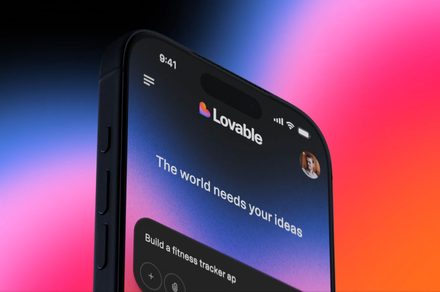
Lovable is pushing its AI-powered vibe coding platform beyond the desktop, with a new mobile app now available on both iOS and Android. The move brings its core promise, building apps by simply describing them, to a more casual, on-the-go workflow.
Turn ideas into apps from anywhere
According to TechCrunch, Lovable’s mobile app lets users generate web apps and websites using text or voice prompts, effectively turning rough ideas into working projects in minutes. Instead of working through a structured development process, users can describe what they want and let the system handle execution.
Once a prompt is submitted, the app’s AI agent can continue working independently. Users can also inspect and tweak the underlying code if needed, and queue prompts to iterate while the AI works its magic.
Syncing across devices
The mobile app is designed to complement desktop use, not replace it. Projects sync over seamlessly between phone and computer, allowing users to move between devices without losing progress.

The app also supports asynchronous updates, notifying users when builds are ready instead of requiring real-time monitoring. The result is a workflow that feels less like active development and more like task management.
Why this matters
The timing of Lovable’s launch is notable. Apple has recently drawn clearer boundaries around vibe coding apps, blocking updates from platforms like Replit and Vibecode for violating its developer guidelines. The issue isn’t the concept itself, but how these apps handle code.
Apps that download new code or change functionality after approval raise security concerns and make it harder for Apple’s review process to verify what’s being shipped. For the same reason, another called Anything was briefly removed from the App Store before returning with changes.
Lovable appears to sidestep these restrictions by focusing on web-based outputs, shifting app previews to the browser instead of running them inside the app. The approach keeps it within Apple’s guidelines while preserving its core functionality.