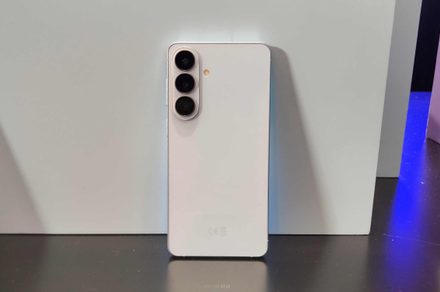
Of all the things Samsung announced at the Galaxy Unpacked event on February 25, 2026, a quiet little feature might actually be my favorite, and for good reasons. Remember Samsung’s Audio Eraser that showed up with the Galaxy S25 series?
You’d shoot a video, open it in the Gallery app, tap the AI button, and it would scrub out whatever background noise had crept in during recording. Wind, crowd roar, a lawnmower three houses down — gone. It worked well enough that people noticed, and Samsung clearly noticed people noticing.

Samsung’s new Audio Eraser can make your live sports broadcasts much better
The catch was that it only worked inside Samsung’s own Gallery app, on videos you’d already recorded. However, with the Galaxy S26 series and One UI 8.5, Audio Eraser has had a proper glow-up. It now works in real time, across third-party streaming apps — YouTube, Netflix, Instagram, TikTok, and more.
You just swipe down from the status bar while something’s playing, hit the Audio Eraser toggle, and the phone starts filtering live audio on the fly. No leaving the app, no exporting, no waiting. It just does it.
Think about how often you’ve turned up the volume on a YouTube concert video only to get more crowd than artist. Or tried to follow an Instagram livestream in a cafe while the espresso machine next to you had other ideas.
You can focus on speech or control the isolation effect as well
Audio Eraser on the S26 is built exactly for those moments — it pushes voices and the main audio forward while nudging everything else back. There’s also a Voice Focus toggle if you want it to zero in specifically on speech, plus a strength slider if full-blast noise removal feels a bit too clinical for what you’re watching.
Impressively well, from what’s been seen so far. During a demo, a hockey video played on YouTube with Audio Eraser running — the commentators came through cleanly while the arena crowd noise faded into the background.
Flick it off, and the roar floods back in immediately. There are occasional audio artifacts when the processing kicks in hard, which is par for the course with this kind of AI filtering, but nothing that ruins the experience.
What makes it genuinely stand out isn’t just that it works — it’s that it works live, on-device, without any perceptible lag. That’s the part that’s hard to pull off, and Samsung has pulled it off.