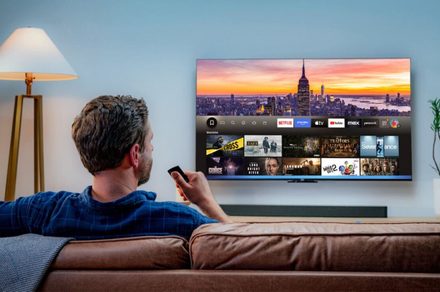
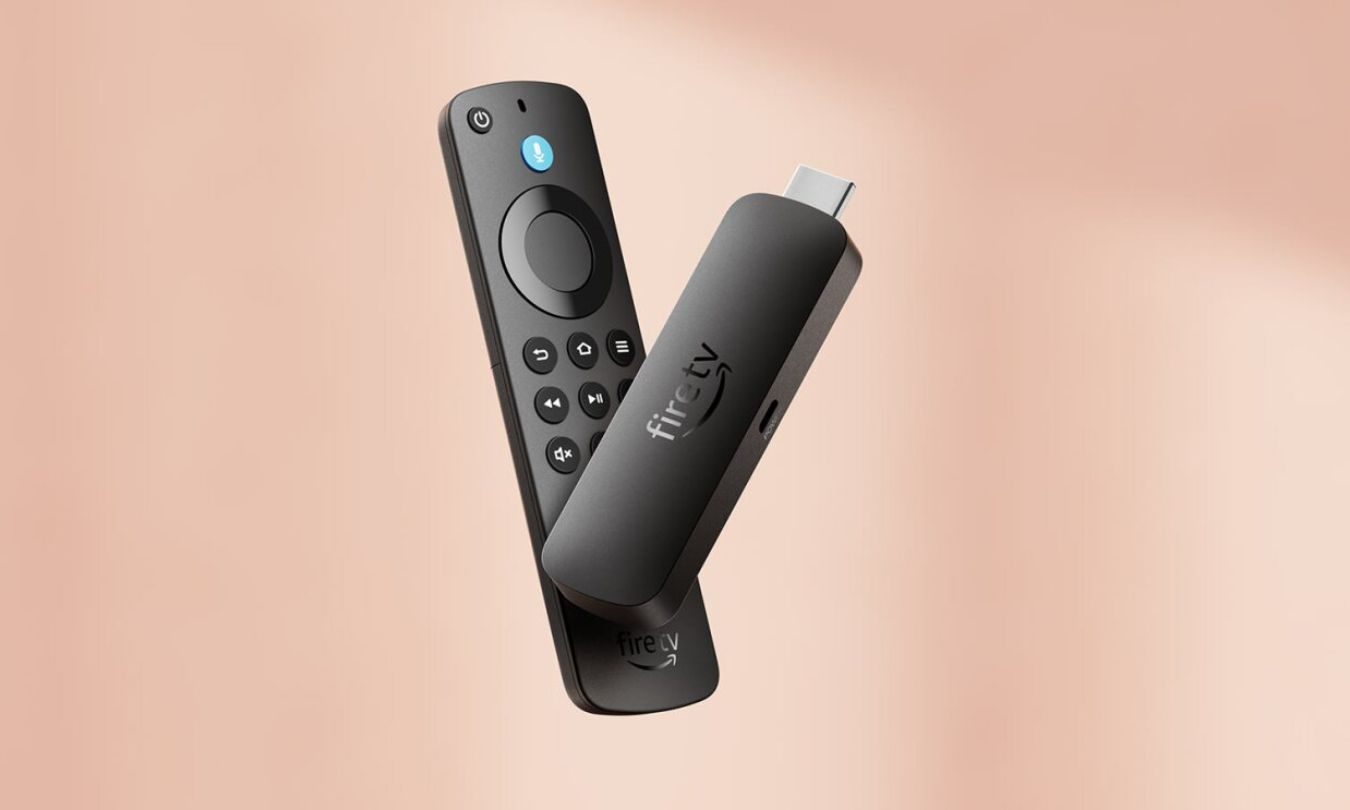
Amazon’s new Fire Sticks are starting to close off one of the device’s biggest unofficial perks, installing apps from outside Amazon’s Appstore.
The change comes with Vega OS, Amazon’s newer Linux-based Fire TV software. Amazon introduced the Fire TV Stick 4K Select as the first Fire TV Stick to run Vega OS, and its developer site says future Fire TV Sticks will use the platform. Older Fire Sticks ran Fire OS, an Android-based system that gave users more room for outside apps and tinkering.
Vega OS doesn’t treat sideloading the same way Fire OS did. Amazon’s developer docs still allow it, but as a testing workflow tied to Developer Mode, an Amazon developer account, and device registration. That’s a different setup from the consumer-friendly workaround Fire Stick owners have used for years.
For buyers, the tradeoff lands in daily use. A newer streaming stick may be easier to manage, but it won’t leave much room to customize the experience.
Why did Amazon cut sideloading
In a Cord Busters interview, Amazon’s Fire TV chief linked sideloaded piracy apps to malware risk and unwanted code. He described security and privacy as priorities, but he didn’t provide a specific case where sideloading harmed a Fire Stick owner.
The concern isn’t baseless. Amazon previously blocked several video apps after reports tied them to riskware or virus scanner warnings. An older Android botnet also appeared on some Fire Sticks, giving Amazon a security argument that extends beyond platform control.
What does Vega OS change
Vega OS cuts off regular sideloading and blocks custom launchers, closing two common routes people used to reshape Fire TV devices.
The home screen is part of the larger shift. Amazon has increasingly used Fire TV devices for ads and recommendations, and fewer workarounds give users less control over what appears first when the device turns on.
App support is the other limitation. UK Vega OS Fire Sticks support about 3,000 apps, while Fire OS models support about 40,000. That gap won’t bother everyone, but it becomes obvious when a favorite app, storage feature, or video standard isn’t supported.
Who should skip Vega OS
A Vega OS Fire Stick can still make sense for basic streaming. Amazon says the platform covers most of the content people want, and many buyers don’t install anything beyond major streaming services.
Power users should slow down before upgrading. Check the app list, storage support, video features, and customization limits before buying. Anyone who bought a Fire Stick for sideloading should treat Vega OS as a different product, not a routine upgrade.