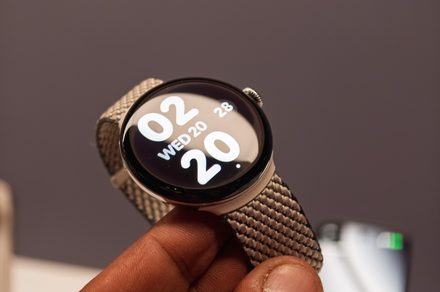
If you’ve set up a PIN on your Pixel Watch, you already know the prompt that shows up every time you slip it back on your wrist. It’s a useful security measure, but entering a PIN on that small screen multiple times a day gets old fast. A new report suggests Google may be working on a way to let you skip it.
Watch Unlock in reverse
While digging through Google’s Connected Phone & Watch services app, Android Authority spotted an in-development feature that could let you unlock your Pixel Watch with your phone. It’s essentially the existing Watch Unlock feature, which lets a paired Pixel Watch unlock your phone, working in reverse.
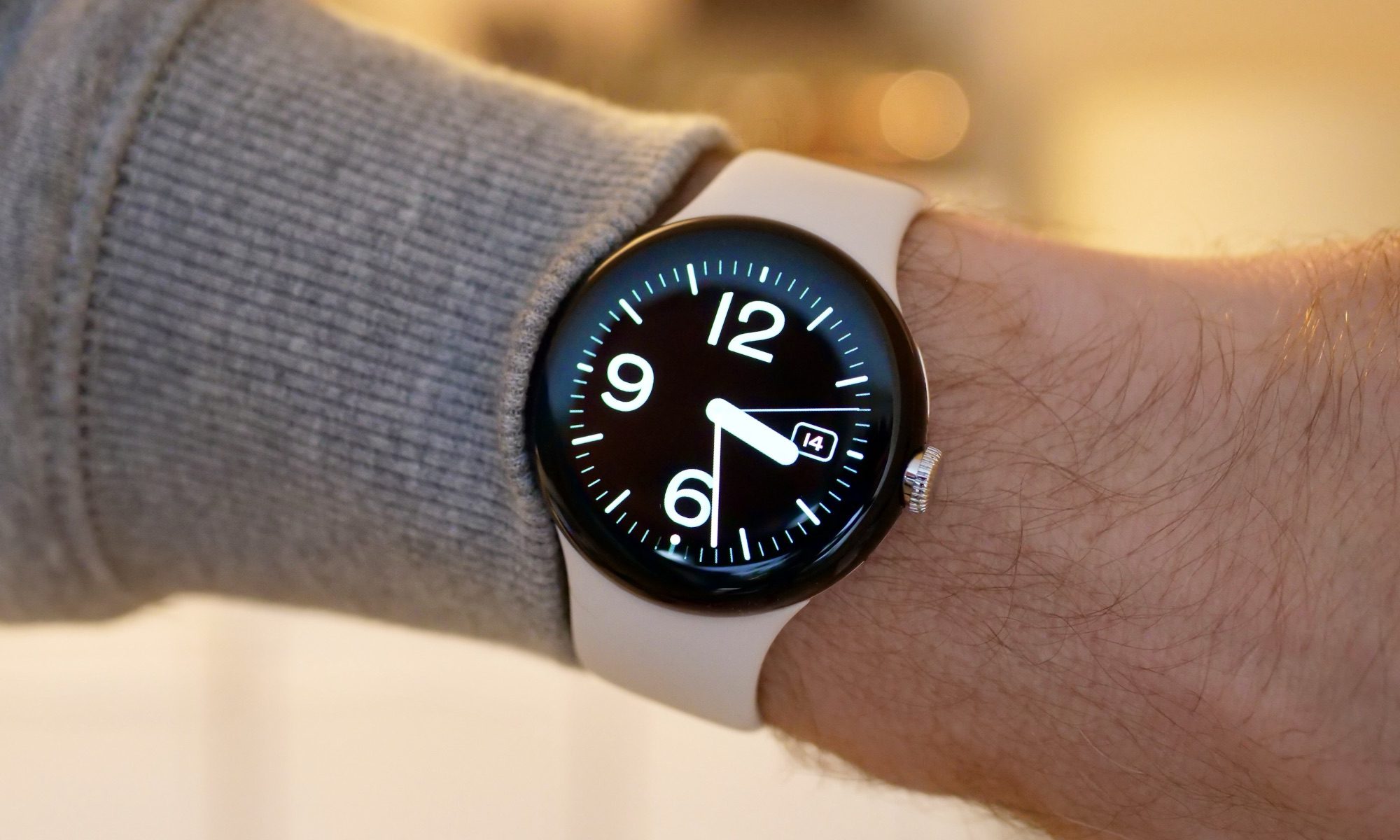
The feature reportedly lives inside the same app that handles other wrist-based conveniences, like the rumored Left Behind alert, which is likely why it appears tied to Pixel hardware. As such, the feature might be limited to Pixel Watches paired with a Pixel phone and not across Wear OS as a whole.
How it might work
Based on the code strings, Phone to Watch Unlock would require a one-time setup, similar to Watch Unlock. After confirming the watch’s PIN once, the paired phone would take over unlocking duties automatically. The strings also suggest that Google could actively notify users about the feature once it’s ready.
Google appears to have planned for device upgrades as well, and switching to a newer Pixel Watch model could automatically enable the feature on the new device without the user having to go through setup again. However, since the feature was spotted in an APK teardown, the final implementation could still change by the time it rolls out to users.
Google hasn’t shared any details officially, but the company could announce the feature alongside the Pixel Watch 5 during its upcoming Made by Google event on August 12.