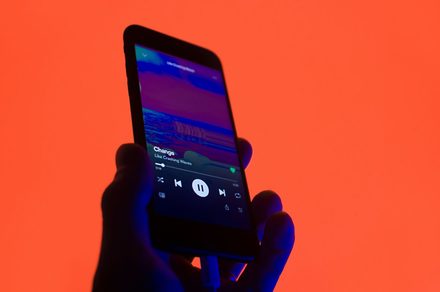
If you have ever stared at a chaotic wall of Spotify playlists on your phone and wished you could just organize them into folders, we have good news. Spotify is finally rolling out playlist folders to its iOS and Android apps.
Playlist folders have existed on Spotify’s desktop app since 2010, making this a 16-year wait for mobile users. A Redditor was the first to flag the feature going live on iOS, with different users on the same thread confirming it had shown up on Android too.
How do Spotify playlist folders work on mobile?
To get started, tap the “+” icon inside your Library, and you will now see a new Folder option in the menu. From there, you can name your folder and start dropping playlists into it.
The feature also lets you play everything inside a folder at once, either in order or on shuffle. That last part is genuinely useful for long commutes or gym sessions where you want variety without manually hopping between playlists.
The timing of this rollout makes sense given how Spotify has been promoting its Prompted playlists, recently. Those tend to pile up fast and clutter your library quickly. Folders give you a clean way to manage all of that without heading to a desktop.
Are there any limitations to Spotify’s mobile playlist folders?
We haven’t seen the feature on our Spotify apps yet. According to the discussion on Reddit, you can only move playlists into folders, not entire albums. Custom folder cover art is also not supported yet. And since this is a server-side rollout, not everyone will see the option at the same time. If it has not appeared for you yet, patience is the only fix for now.
If you want even more control over how your music flows, Spotify also has a feature to automatically reorder playlists for smoother transitions, making playlist management easier on the platform.