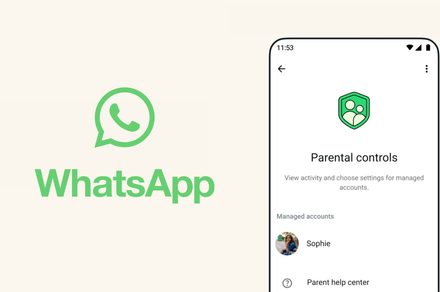
WhatsApp is introducing a safer way for younger users to stay connected with friends and family. The messaging platform now allows parents to create protected WhatsApp accounts for kids under 13, giving guardians more control over how the account works. Instead of leaving safety decisions to automated systems, parents can be in charge of their child’s privacy settings and messaging environment.
How to create and manage WhatsApp account for children under 13?

You can follow these steps to set up a parent-managed WhatsApp account for preteens on both Android and iOS:
- Download WhatsApp from the Google Play Store or Apple App Store on your child’s device.
- Open WhatsApp, choose your language, and tap Agree and continue.
- Next, tap on More options and select Create a parent managed account.
- After that, you will have to enter and verify your child’s phone number.
- Provide your child’s birthday and confirm their age. In some regions, Apple or Google may share the child’s age range with WhatsApp based on device settings.
- Tap Continue to link the account to a parent or guardian.
How to link to your child’s WhatsApp account from your phone?
- Use your phone’s camera to scan the QR code displayed on your child’s device and follow the link to WhatsApp.
- Tap Agree and Continue to confirm the parent account when prompted so the system can verify adult supervision.
- Set up a six-digit parent PIN. This PIN controls access to your child’s privacy settings and should not be shared with the child.
- After that, Confirm your parent PIN and select Next.
- Tap Done to finish account setup on your child’s device.
Once the accounts are linked, you can configure privacy settings and safety controls for the child’s account. For example, only approved contacts can call or message your child. You will get to approve which groups they can join through the Requests tab.
You can refer to the video below to adjust the safety settings.
After completing the setup, your child’s managed account is ready. They can add their name and profile photo, while you retain control over the privacy settings attached to the account.